

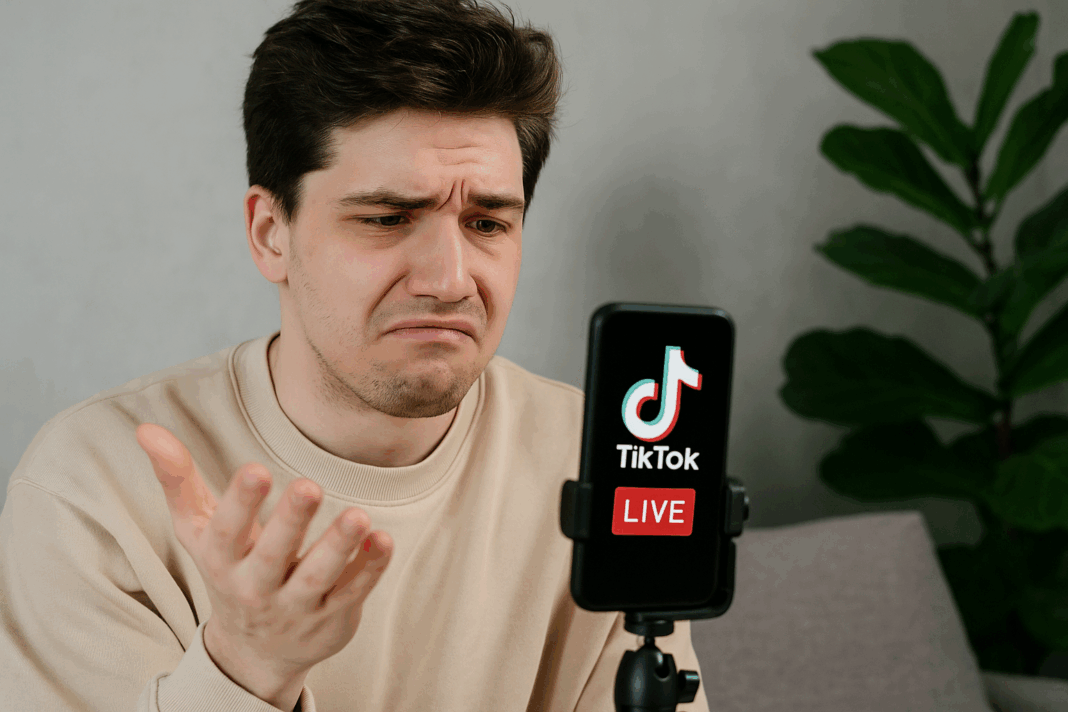
TikTok Live Stream Not Starting: Technical Solutions 📡🎥
🎬 Introduction: When “Go Live” Won’t Work
You’ve planned your first TikTok Live. The lighting is set, your audience is waiting, maybe you’ve even promoted it across social media 🌟. You hit the “Go Live” button with excitement… and nothing happens. Either the button is greyed out, the stream doesn’t start, or TikTok throws you an error message.
For creators, this is beyond frustrating. TikTok Live isn’t just about fun — it’s about engagement, community, and sometimes income through gifts and brand deals. When it doesn’t work, you lose connection and opportunity.
The good news? TikTok Live stream issues are common and fixable. In this guide, we’ll walk through all the reasons why Live might not start, and step-by-step solutions to get you streaming without hiccups.
🔍 Why TikTok Live Might Not Start
- Eligibility Restrictions 🔒
- Must be 16+ years old.
- Must have at least 1,000 followers to unlock Live.
- Gifting requires age 18+.
- Poor Internet Connection 🌐
- Live streaming needs stable upload speeds (3–5 Mbps).
- Outdated App Version 📲
- New Live features may not work on old versions.
- Device Limitations 📱
- Old phones struggle with real-time streaming.
- Account Bans or Violations 🚫
- Community guideline strikes may block Live access.
- Server or Regional Restrictions 🌍
- TikTok may not allow Live in some regions.
- App Cache or Temporary Bugs ⚙️
- Glitches may prevent the Live option from appearing.
⚖️ Problems vs. Fixes
| Problem | Symptom | Fix |
|---|---|---|
| Not eligible | “Live” button missing | Reach 1k followers, age requirements |
| Weak internet | Stream won’t load or crashes | Switch to strong Wi-Fi/mobile data |
| Outdated app | “Go Live” freezes | Update/reinstall TikTok |
| Device issues | Stream lags, crashes phone | Restart/upgrade device |
| Account restrictions | Error: “You’re blocked from Live” | Appeal via TikTok Support |
| Server/region limits | Feature not available | Wait for rollout, try VPN cautiously |
| Cache glitch | Live button greyed out | Clear cache, restart app |
🛠 Step-by-Step Fixes
🔑 Fix 1: Confirm Eligibility
- Must be 16+ years old.
- Must have 1,000+ followers.
- Age 18+ required for monetization/gifting.
If you don’t meet these requirements, Live won’t work no matter what.
🌐 Fix 2: Improve Internet Connection
- Run a speed test (upload speed should be at least 3 Mbps).
- Use strong Wi-Fi or 4G/5G.
- Avoid VPNs while streaming.
⚙️ Fix 3: Update or Reinstall TikTok
- Go to App Store/Google Play → Update TikTok.
- If Live still won’t start: uninstall → reinstall.
🧹 Fix 4: Clear App Cache
- Open TikTok → Profile.
- Tap Settings & Privacy → Free up space.
- Clear Cache.
- Restart TikTok.
📱 Fix 5: Optimize Your Device
- Close background apps.
- Restart phone before going Live.
- Free up storage for smoother streaming.
🚫 Fix 6: Check Account Status
- Go to Inbox → Notifications.
- If restricted, you’ll see “You’re blocked from Live.”
- File an appeal via Report a Problem in settings.
🌍 Fix 7: Check TikTok Servers
- Visit Downdetector for outages.
- If servers are down, wait until TikTok fixes the issue.
🎭 Anecdote: The Creator Who Couldn’t Go Live
A music creator was set to perform live for her followers 🎶. She had promoted it for days, but the Live button never appeared. She panicked, thinking it was a bug. Later, she realized she had just hit 850 followers — short of TikTok’s 1k minimum. She pushed for 150 more followers, unlocked Live, and her first stream drew 2,000 viewers.
Lesson? Sometimes the problem isn’t technical, but eligibility-based.
📊 Diagram: TikTok Live Fix Flow
[Live Not Starting]
        ↓
[Check Eligibility: Age + 1k Followers]
        ↓
[Check Internet Speed]
        ↓
[Update/Reinstall TikTok]
        ↓
[Clear Cache + Restart Device]
        ↓
[Check Account Restrictions]
        ↓
[Check TikTok Servers]
        ↓
[Go Live Successfully ✅]
💡 Pro Tips for Smooth TikTok Lives
- Test internet speed before going Live.
- Stream in a quiet, well-lit space.
- Restart your phone before big streams.
- Avoid copyrighted music to prevent sudden shutdowns.
- Schedule Live sessions at consistent times for audience retention.
❓ 10 Frequently Asked Questions (FAQs)
1. Why can’t I find the “Go Live” button?
You may not meet age or follower requirements, or your app is outdated.
2. Do I need 1,000 followers to go Live?
Yes — TikTok requires 1k followers for Live.
3. Can banned accounts stream Live?
No. You must appeal restrictions to regain access.
4. Why does my Live crash after starting?
Likely due to weak internet or device overload.
5. Do all regions have TikTok Live?
No — Live isn’t supported everywhere yet.
6. Can business accounts go Live?
Yes, if they meet the same eligibility requirements.
7. Why does my Live lag or freeze?
Weak upload speed — switch to stronger Wi-Fi/mobile data.
8. Can I stream games on TikTok Live?
Yes — via TikTok Live Studio or screen-sharing features.
9. Can under-16 users access Live?
No. TikTok restricts Live to protect younger audiences.
10. How do I appeal if I’m blocked from Live?
Go to Settings → Report a Problem → Submit appeal.
🎯 Conclusion: From Blocked to Broadcasting
When TikTok Live won’t start, it feels like your voice has been silenced 🎤. But the reasons are usually simple: eligibility, weak internet, app bugs, or account restrictions. With the right fixes — updating, clearing cache, checking eligibility — you’ll get back on track.
TikTok Live is about connection and authenticity. Don’t let small glitches stop you from reaching your audience. With preparation and these solutions, your next stream will launch smoothly and keep your viewers engaged ❤️.
You should also read these…
- surgeblog.com – tiktok compatibility issues ios vs android
- olddry.com – screen resolution issues game display settings gui
- noepic.com – how to choose sunglasses that fit your face
- hogwar.com – warum immer mehr frauen auf keratin extensions sch
- tugmen.com – finding low%e2%80%91interest personal loans for st
- tugmen.com – gifts not working during tiktok live
- sixrep.com – what is the blocking logged in checkpoint error us
- closedad.com – seasonal eating a guide to year round nutrition
- soturk.com – how to save 1000 in 3 months without cutting every
- axtly.com – tiktok comment notifications disappearing
